
Correspondence record — a logged or generated communication with the requestor and its thread
Last updated: July 18, 2026 by Steve
Correspondence
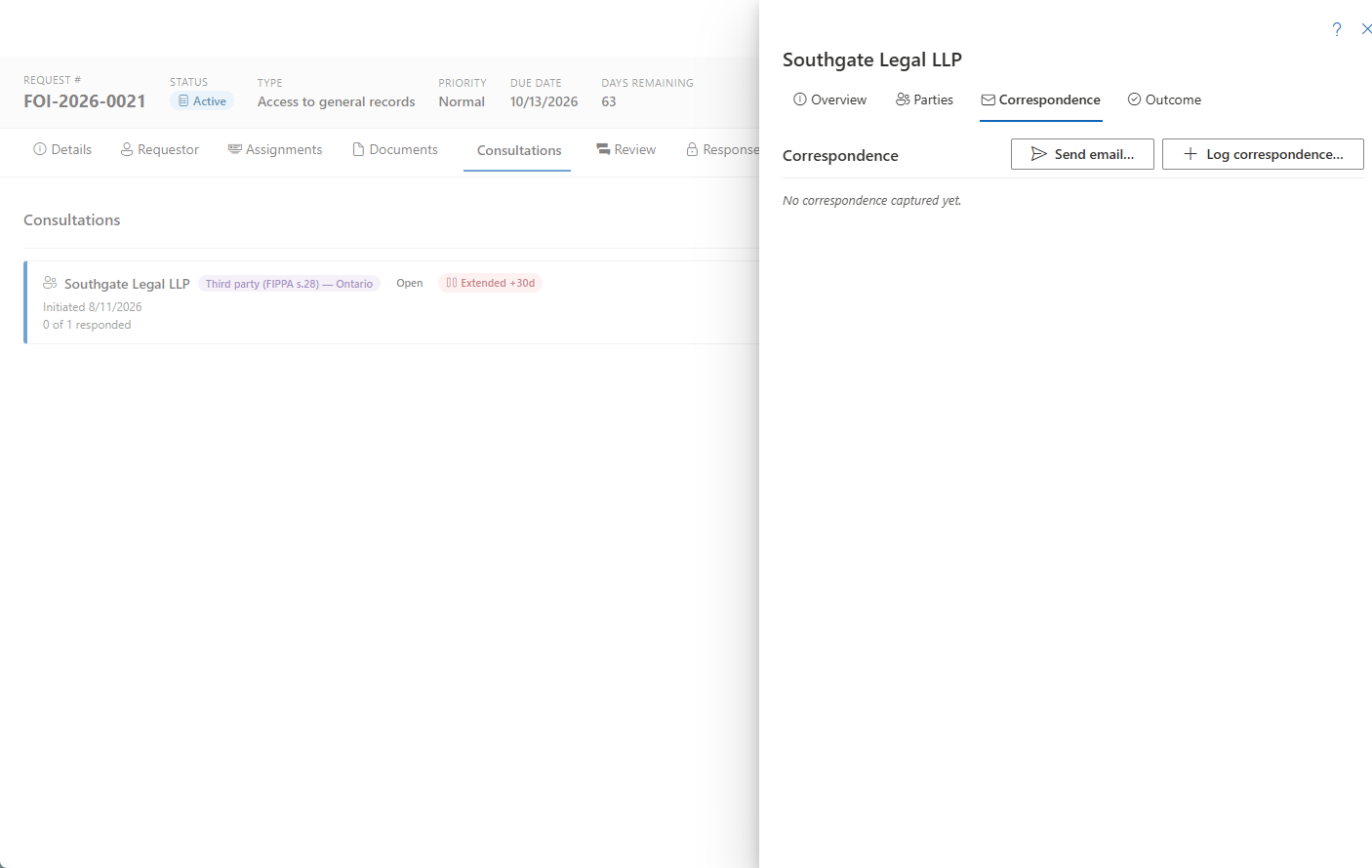
Every communication tied to a request — whether composed in AccessPoint, captured from Outlook, or logged by hand — opens in the correspondence detail panel. It is the single record for one letter, email, or phone call, holding that item's summary, attachments, follow-up status, and an internal notes thread. You reach a record from a request's Requestor tab or, for third-party notices, from a consultation.
When AI Assist is enabled, composing a letter can be AI-assisted — see Sending Correspondence. However it was drafted, the correspondence record described here is the same.
Reading the Header
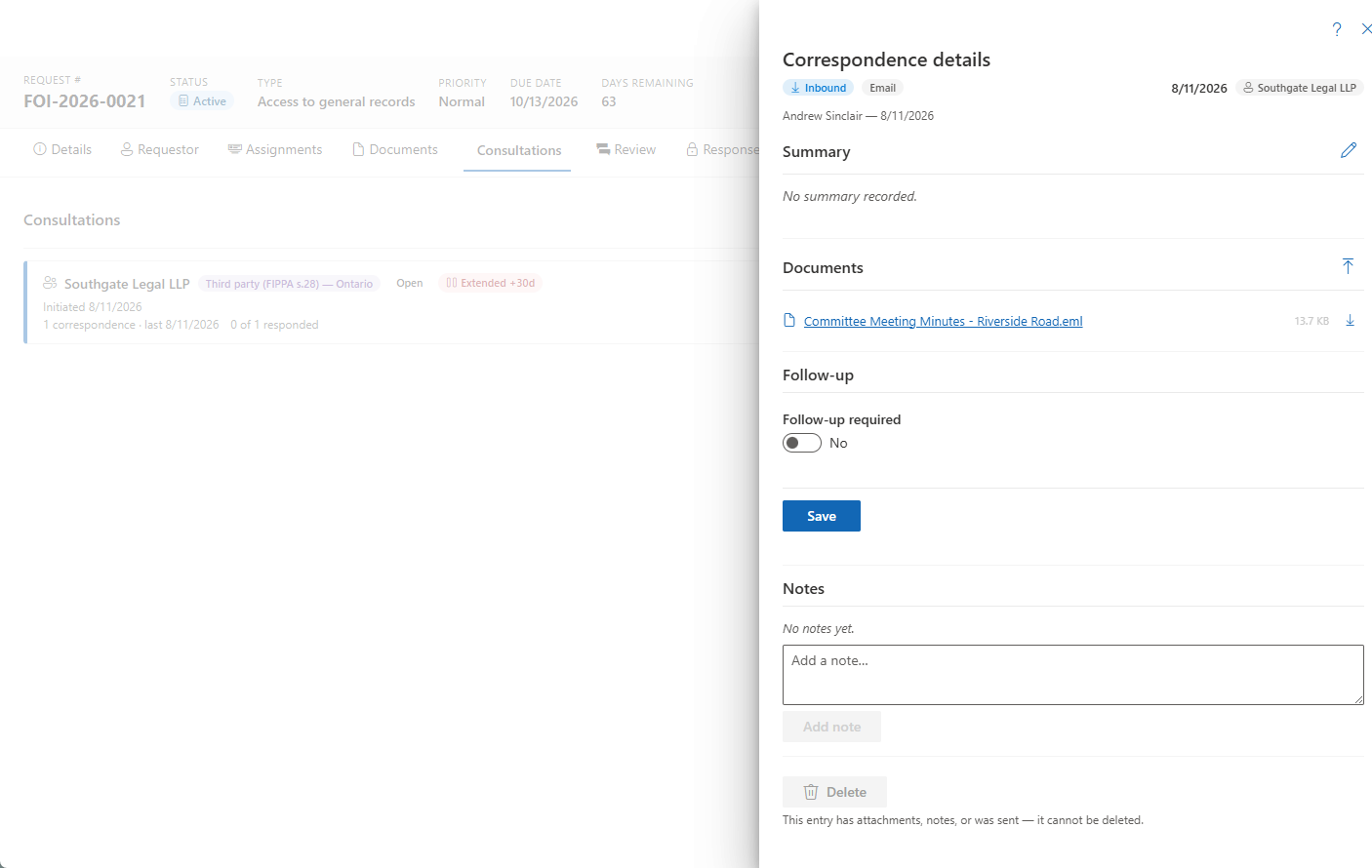
The header shows badges for:
- Direction — inbound or outbound
- Channel — email, phone, letter, and so on
- The communication date
- The third-party name (on the consultation lane)
- Send status — Sent or Failed, for composer records
- A follow-up flag when one is outstanding
A provenance line records who sent or added the item, when, and which template it came from.
Editing the Summary
Open Edit summary to change the direction, channel, date, and the notes/summary text. Unsaved edits are guarded if you cancel.
Attachments
Manage attachments from the panel: view, download, and preview any linked files, and upload additional ones. PDF-convertible files preview in place.
Tracking Follow-up
Use the follow-up controls so nothing slips:
- Toggle Follow-up required.
- Set a due date and a note. The item then surfaces on your My Day list — see Notifications.
- Click Mark done when it is handled.
The Notes Thread
Append notes adds internal context to an append-only thread. Notes are never edited or deleted, so the thread stays a durable record of how the communication was handled.
Deleting a Record
Deletion is guarded the same way as consultations: entries that have attachments, notes, or a sent composer record cannot be deleted, and the panel shows the reason.